Introduction
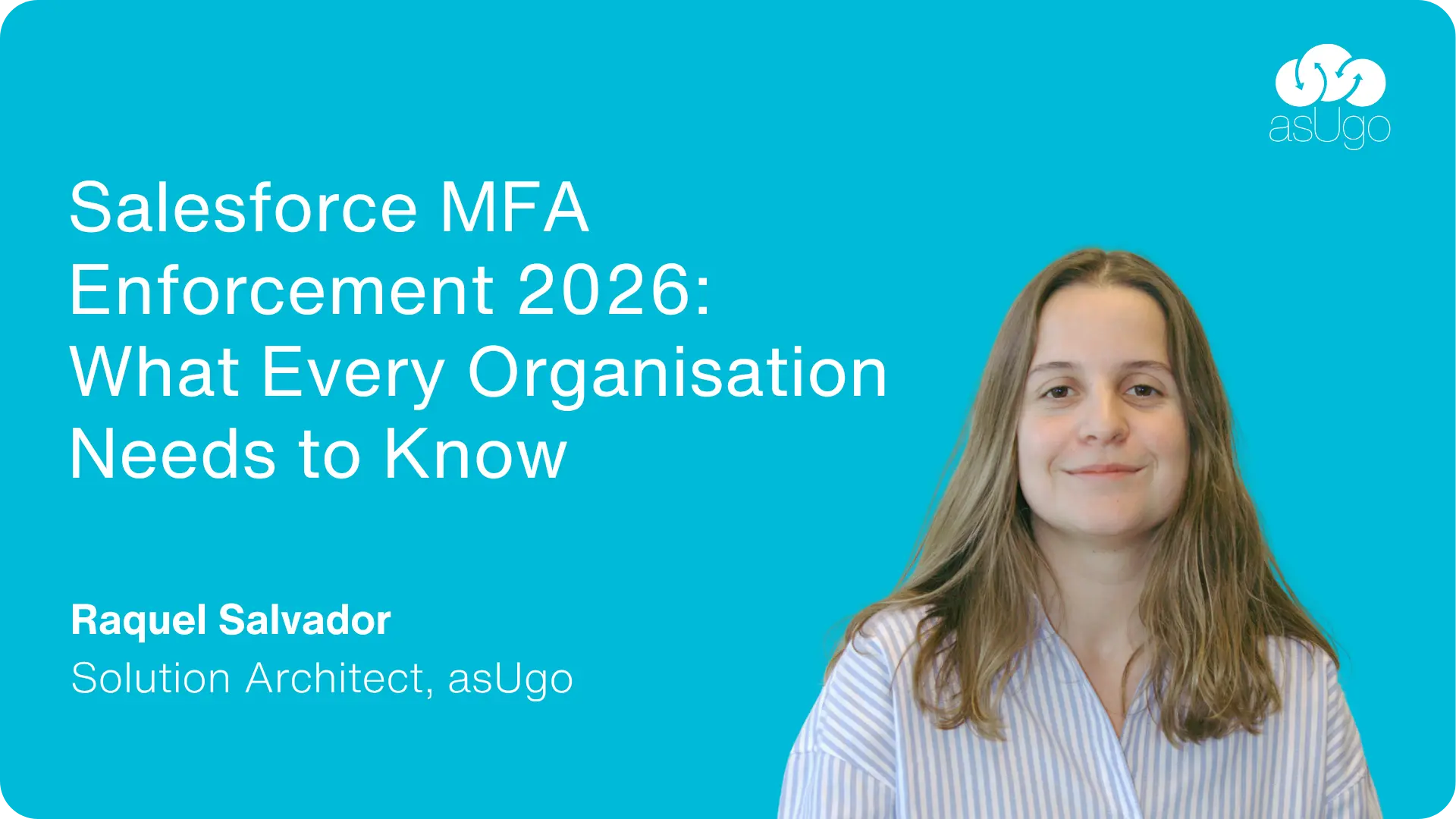
Starting in June 2026, Salesforce will begin enforcing stricter authentication requirements across all organisations, including both sandbox and production environments.
This is not an optional security enhancement. Organisations that have not yet fully adopted Multi-Factor Authentication (MFA) will need to prepare before the enforcement dates arrive.
For most businesses, the good news is that compliance may be simpler than expected. Many users already have the necessary technology built into their laptops and mobile devices.
Why is Salesforce making this change?
Salesforce is enforcing two existing authentication requirements for most customers.
First, Multi-Factor Authentication (MFA) will become mandatory for all employee users accessing Salesforce, whether they log in directly or through Single Sign-On (SSO).
Second, users with elevated privileges – including System Administrators and users with permissions such as Modify All Data, View All Data, Customize Application, or Author Apex – must use phishing-resistant MFA. Traditional authenticator apps that generate six-digit codes will no longer be sufficient as the primary authentication method for these users.
| User Type | Requirement | Recommended Method |
|---|---|---|
| Standard Users | MFA Required | Salesforce Authenticator or Passkey |
| Administrators | Phishing-Resistant MFA Required | Windows Hello, Touch ID, Face ID, Passkey |
- Now – Prepare. Audit users, communicate internally, choose authentication methods
- 22 June 2026 – Sandboxes enforced. MFA becomes mandatory in test environments. Validate configurations here first.
- 20 July 2026 – Production enforced. All users must have MFA registered to access Salesforce.
For organisations that have not yet reviewed their authentication strategy, these dates are closer than they may appear.
Why Salesforce is raising the bar
The most common attack against business applications today is no longer password guessing. Instead, attackers rely on phishing techniques that trick users into revealing credentials or approving login requests in real time.
Even standard MFA methods can be vulnerable to these attacks. A user may unknowingly provide a valid one-time code to a fraudulent website, allowing an attacker to gain access before the code expires.
Phishing-resistant authentication addresses this problem by cryptographically binding authentication to the legitimate Salesforce domain. Even if a user is tricked into visiting a fake login page, the authentication process cannot be completed.
For users with administrative access, Salesforce now considers this level of protection essential.
The biggest misconception
When organisations hear “phishing-resistant MFA”, many immediately assume they need to purchase security keys for every administrator.
In reality, most modern devices already support compliant authentication methods.
Windows Hello, Touch ID, Face ID, and passkeys use the same WebAuthn/FIDO2 standards recognised by Salesforce. If users already unlock their laptops with a fingerprint, facial recognition, or secure PIN, they may already have access to a phishing-resistant authentication method.
Physical security keys such as YubiKey or Google Titan remain an excellent option, particularly for shared devices or specialised environments, but they are often not the only solution.
What authentication method should you choose?
For most organisations, the approach is relatively straightforward.
Administrators and privileged users should use a passkey or built-in authenticator such as Windows Hello, Touch ID, or Face ID. Where these options are unavailable, a physical security key provides an equally secure alternative.
Standard users can continue using Salesforce Authenticator or other supported MFA methods, although passkeys generally provide a better balance of security and user experience.
Regardless of the primary method, we recommend registering a backup authentication option for all users. Lost phones, replacement laptops, and hardware failures are inevitable, and a backup method can significantly reduce support overhead.
What should organisations do now?
The most important step is to understand who will be affected.
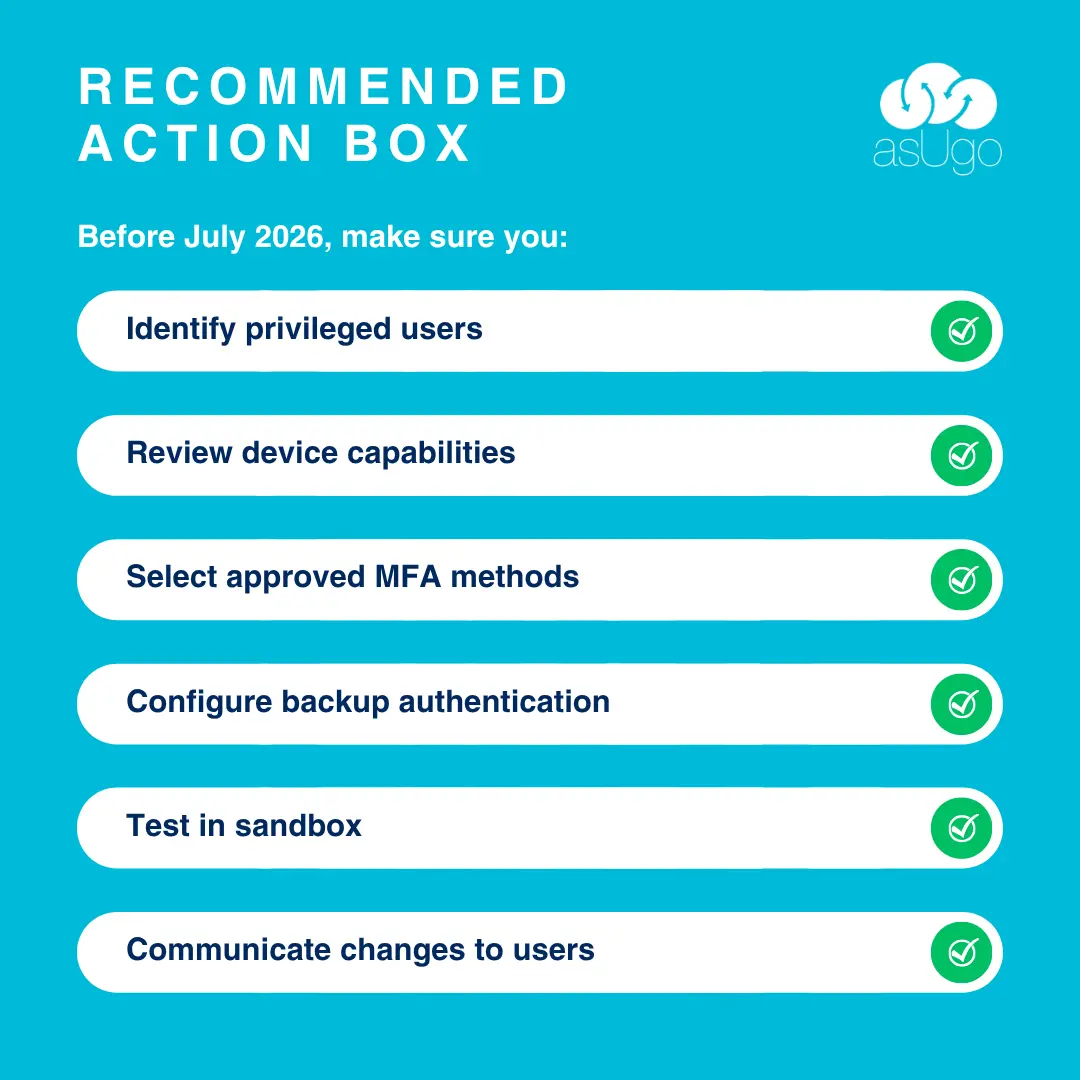
Start by identifying users with administrative or privileged permissions and reviewing how they currently authenticate. Then assess the capabilities already available on managed devices. Many organisations discover that their existing hardware can meet Salesforce’s requirements with little or no additional investment.
Once an approach has been selected, test it in sandbox environments before production enforcement begins. This gives administrators and support teams time to address issues, update documentation, and communicate changes to users before the July deadline.
Final thoughts
Salesforce’s MFA enforcement is part of a wider industry move toward stronger identity security. While the requirements may initially seem complex, the reality is often simpler than expected.
For many organisations, compliance will not require new technology. It will require understanding existing capabilities, identifying privileged users, and putting the right authentication strategy in place before enforcement begins.
At asUgo, we help organisations navigate these changes by aligning Salesforce security controls with real-world operational needs. From assessing authentication options and phishing-resistant MFA requirements to designing practical rollout and recovery strategies, our focus is on helping customers implement security that users will actually adopt – and that organisations can confidently govern at scale.
Author: Raquel Salvador, Solution Architect, asUgo