Introduction
There is a question that tends to come up early in analytics conversations: “Which Tableau product should we be using?” It sounds like a reasonable starting point. In practice, it is usually the wrong one.
The better starting point is the requirement. What does the organisation actually need to know? Who needs to know it, and with what frequency? Tool selection follows from those answers, not the other way around. When that order gets reversed, the result is rarely a failed implementation. It is something more insidious: a technically functional solution that nobody trusts, nobody uses, or nobody understands.
Tableau has expanded significantly as a platform. Where there was once a single product, there are now several, each designed with a specific user profile, use case, and depth of interaction in mind. Understanding the distinctions is not just useful for procurement decisions. It is what separates an analytics investment that drives decisions from one that collects dust.
One thing worth establishing before going through each product: analytics is most effective when it is distinct from reporting. Structured data exports and formatted tables serve a purpose (they are part of a healthy data ecosystem), but they sit at a different layer than business intelligence. Organisations that conflate the two often end up with good data and limited insight. The products below are built for the insight layer.
The Tableau Portfolio: What Each Product Is Actually For
Tableau Pulse: intelligence in the flow of work
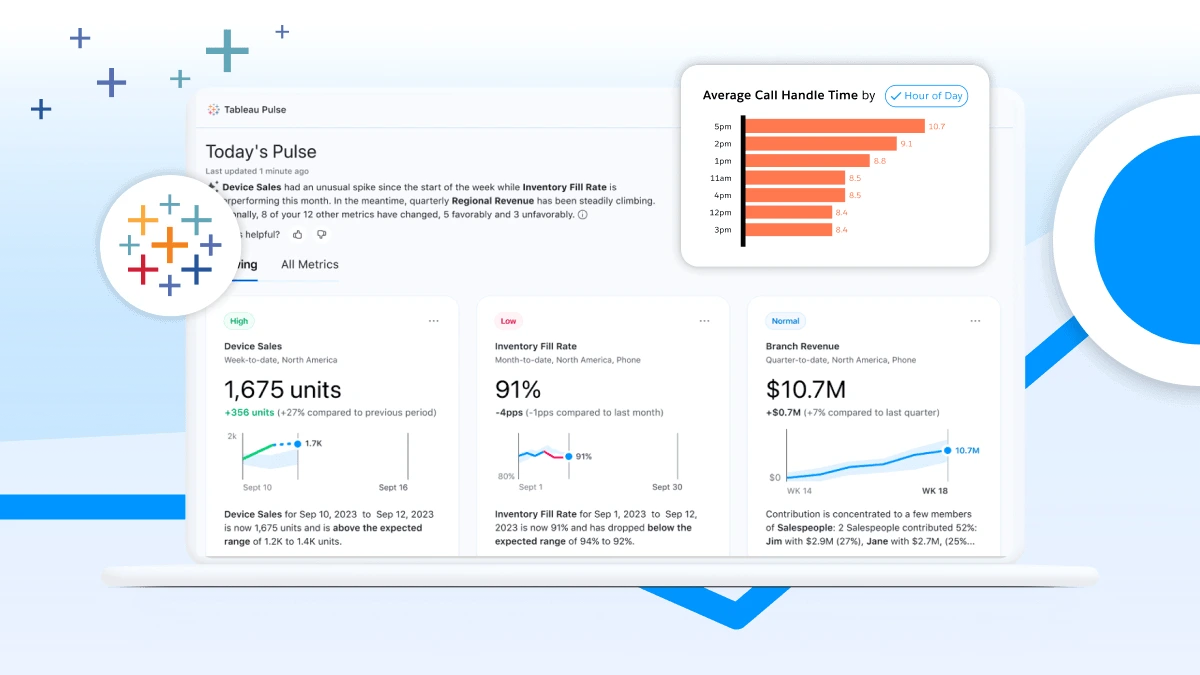
Pulse was built around a specific observation: most employees in an organisation need to stay informed about the metrics relevant to their role, but they do not need or want to navigate a full analytics platform to do so. Pulse delivers personalised metrics directly into the tools people already use: Slack, Microsoft Teams, email, mobile, with AI-generated insights in plain language that explain not just what changed, but why.
Its scope goes well beyond executive dashboards. Sales managers tracking pipeline, operations teams monitoring service levels, finance teams following period-end KPIs – they all benefit from the same principle: the right number reaching the right person, without anyone having to go looking for it. When configured well, it tends to reduce the volume of ad hoc reporting requests noticeably. People stop asking for data because they already have it.
Source: MuleSoft
Tableau Cloud, Server, and Desktop: the core platform
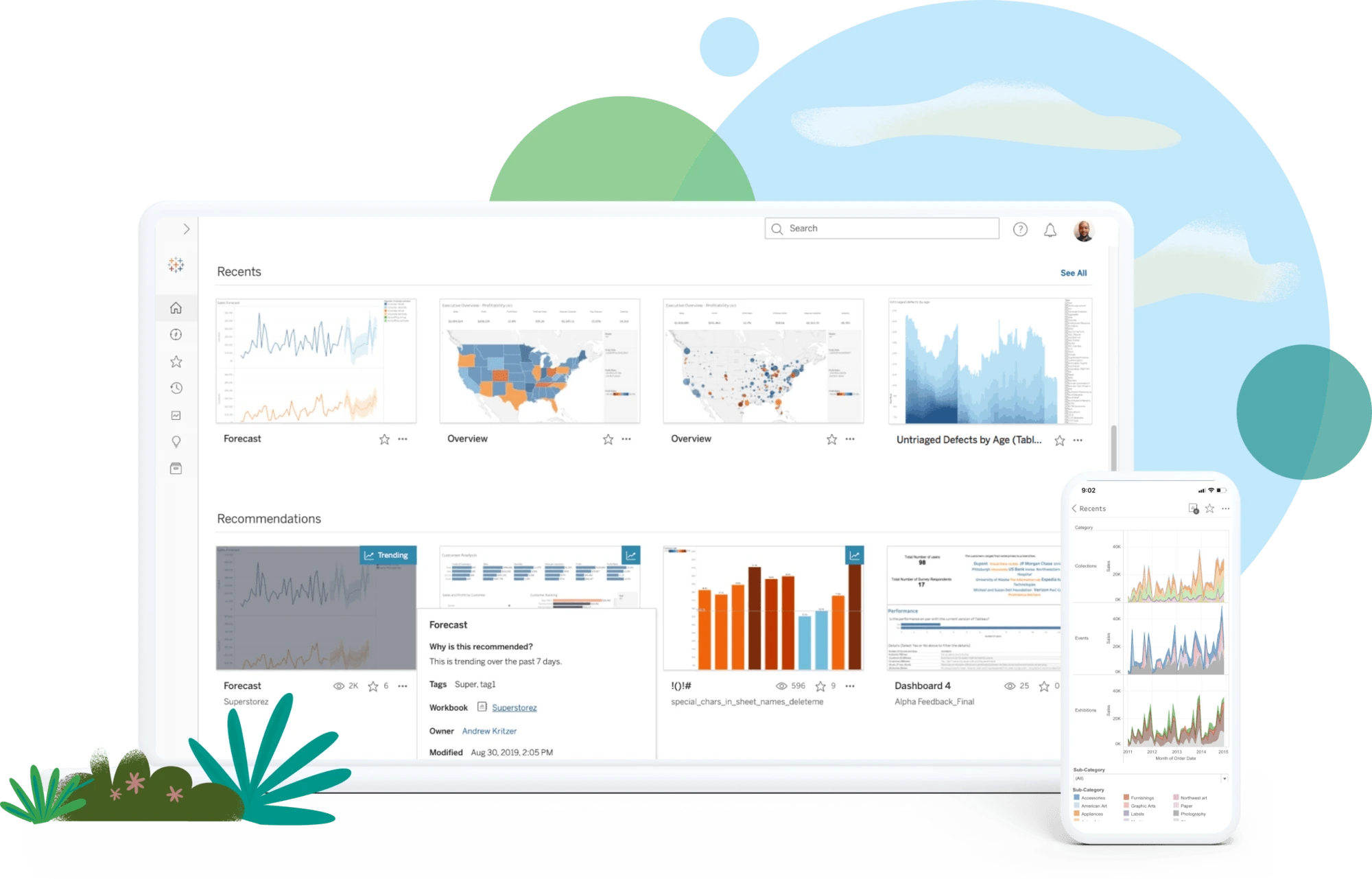
These three products represent the established Tableau experience, differentiated by how an organisation chooses to deploy it. Tableau Cloud is fully hosted. Tableau Server sits on an organisation’s own infrastructure. Tableau Desktop runs locally and works offline.
For organisations with analysts or data teams who need to build dashboards, explore data freely, and publish content across the business, this is the right foundation. The depth here is real: complex calculations, broad data connectivity, a mature visualisation layer. Most Tableau implementations are built on one of these three.
Source: MuleSoft
Tableau Next: less technical overhead, more time for actual analysis
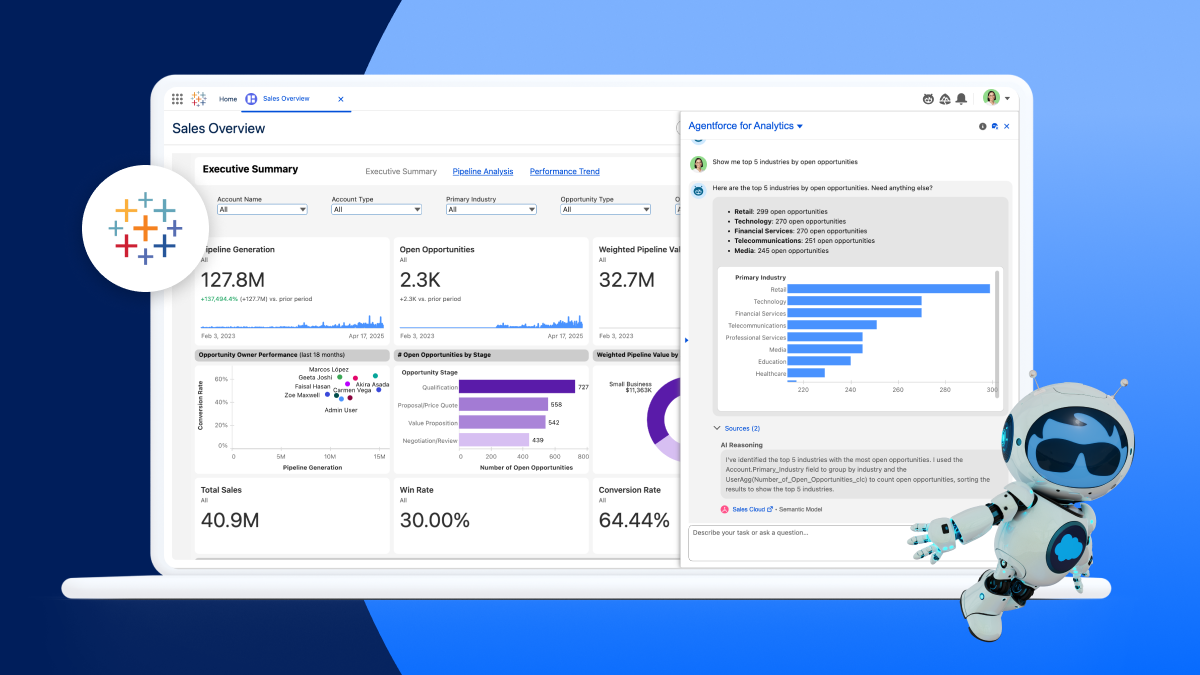
Tableau Next is best understood as Tableau rethought around what AI can now handle. The parts of the analytics workflow that have always consumed disproportionate time – preparing data, modelling it, writing calculations – can now be driven by natural language rather than technical expertise. An analyst describes what they want; the platform builds it.
The practical effect is that people who could previously only receive the output of an analytics process can start contributing to it. And those already doing the analysis spend less time on the technical groundwork and more time on the questions that actually matter.
It also connects directly into Salesforce CRM and Slack, which matters for teams whose work already lives there. Rather than pulling people into a separate tool, Tableau Next brings the analytics to where decisions are being made.
Source: MuleSoft
Tableau Prep: the part that makes everything else work
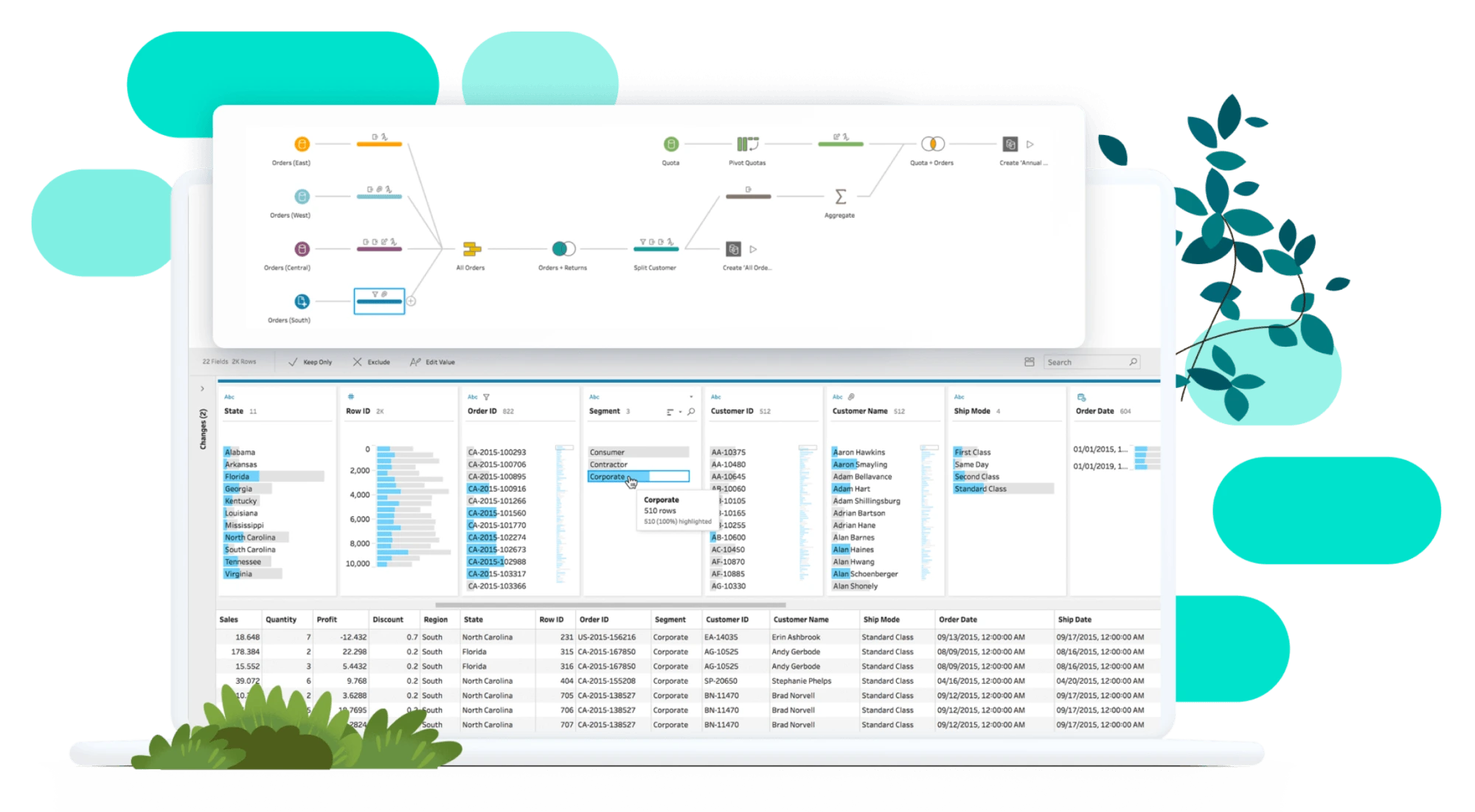
Data rarely arrives in a state ready for analysis. Tableau Prep handles the preparation layer: cleaning, shaping, and structuring data before it reaches a dashboard or report. It is not the most visible part of an analytics stack, but it is often the most consequential. Poorly prepared data undermines trust in outputs regardless of how well the visualisation layer is built. Prep is where that trust gets established, and where a lot of the less glamorous but critical work actually happens.
CRM Analytics: when Salesforce is where everything lives
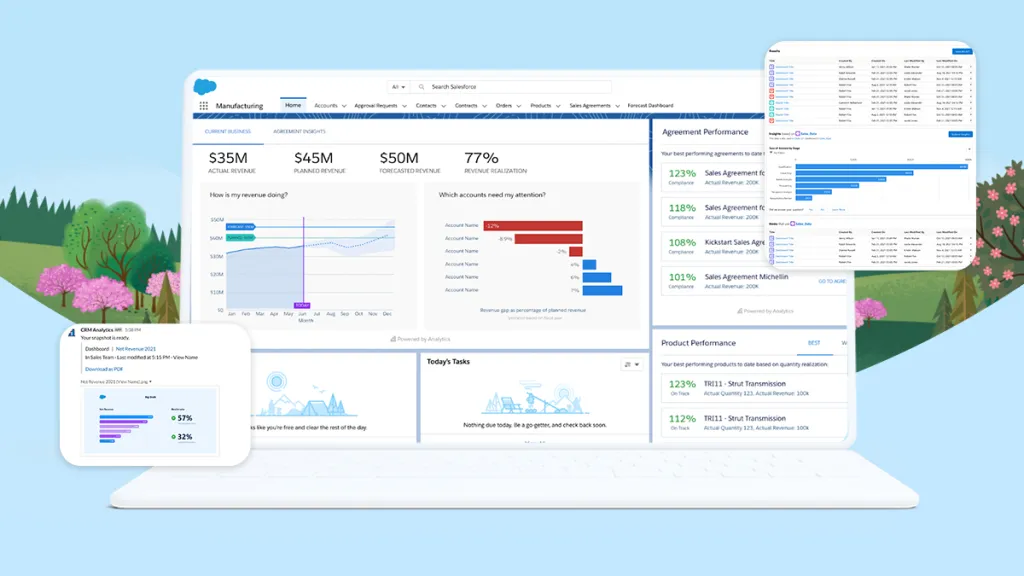
For teams that operate primarily within Salesforce, CRM Analytics keeps the analytics experience inside that same environment. Dashboards, KPIs, and AI-powered insights are available without switching context, and the product connects to external data sources as well, so the analysis is not limited to Salesforce data alone.
The difference from Tableau Next comes down to where each product starts. CRM Analytics is built into Salesforce and optimised for that experience. Tableau Next is a broader analytics platform that integrates into Salesforce and Slack, better suited when the scope of the analytics extends well beyond CRM data or when the team needs the full depth of the Tableau stack.
Source: MuleSoft
Choosing the Right Fit
There is no single correct answer. The right product depends on who will use it, what they need to know, and how analytics fits into the way they actually work. In most mid-to-large organisations, the answer is not one product. It is a combination, serving different users at different levels of the same data ecosystem.
| Product | Primary Focus | Best For | Key Differentiator |
|---|---|---|---|
| Tableau Pulse | AI KPI monitoring | Business users and executives | Personalized insights delivered in Slack, Teams, email, and mobile |
| Tableau Desktop | Dashboard creation | Analysts and BI teams | Advanced data exploration and visualization |
| Tableau Cloud | Cloud analytics | Sharing dashboards across the business | Fully managed SaaS platform |
| Tableau Server | On-premises analytics | Organizations with strict governance | Self-hosted deployment and full control |
| Tableau Next | AI-powered analytics | Faster, AI-assisted analysis | Natural language analytics integrated with Salesforce and Slack |
| Tableau Prep | Data preparation | Cleaning and transforming data | Creates trusted, analysis-ready datasets |
| CRM Analytics | Salesforce analytics | Salesforce users | Native analytics embedded within Salesforce |
What matters most is that the selection is driven by those requirements, not by a default, a prior licence, or a vendor recommendation made without sufficient context.
For most organisations, the answer is not a single product. It is a combination of capabilities that supports everyone from executives monitoring KPIs to analysts building advanced data models.
At asUgo, we help organisations design analytics ecosystems that fit their business, technology landscape, and people. Whether that means implementing Tableau, integrating it with Salesforce, or defining the right governance and adoption strategy, the goal is always the same: turning trusted data into better decisions.
If you’re reviewing your Tableau strategy or wondering whether your current setup is delivering the value it should, we’d be happy to start the conversation.
Author: Rui Santos, Solution Architect, asUgo